
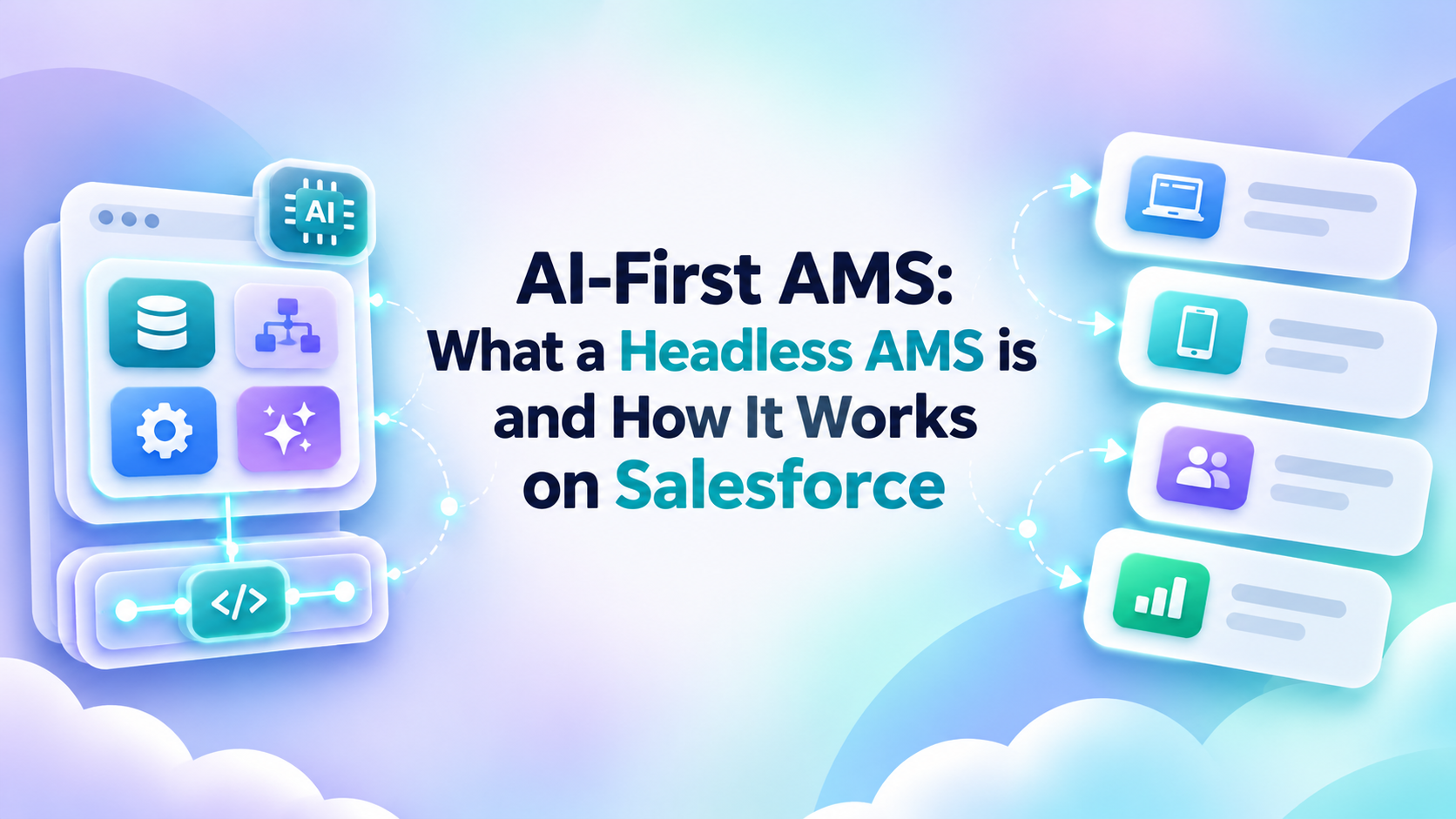
An AI-first AMS is an association management system in which AI is built into how staff work with member data and processes every day, rather than offered as a separate chatbot. Staff can ask questions, request reports, draft communications, and set up workflows in plain language, while the underlying data, rules, and permissions stay where they are.
Most association teams know the routine. To see which members lapsed last quarter, someone opens the right object, applies filters, and exports to a spreadsheet. To change a renewal process, they file a request with the Salesforce admin and wait. Screen-first systems handle this reliably, but every task depends on knowing where things live and how to move through the interface.
For associations running on Salesforce, that dependency is starting to loosen. Language models can now read a plain-language request, work out which data and actions it involves, and carry it out within the rules Salesforce already enforces. The result is a new category: the Headless AMS.
What is an AI-First AMS?
Many AMS platforms now include AI for associations as a feature: a summary button on a record, a chatbot in the help menu, a subject-line generator. Staff still do their core work through tabs, list views, and report builders, with AI sitting off to the side.
In an AI-first association management system, natural-language interaction becomes one of the main ways staff get work done, across several kinds of tasks:
- Information retrieval. Looking up a member's history, event attendance, or open invoices without clicking through related lists.
- Reporting. Describing the comparison or trend you need and getting a report built from live Salesforce data.
- Communications. Drafting member emails for a segment the system has just identified.
- Workflows. Describing an outcome, such as a follow-up sequence or a renewal path, and having the process set up.
- Configuration. Adjusting membership types, settings, or a staff workspace by explaining what you need.
None of this makes the system autonomous. It operates inside defined permissions, and changes to records or processes go through user review. Staff simply spend less time translating questions into clicks.
What is a Headless AMS?
The term comes from software architecture, where a headless system separates the back end (data and logic) from the "head" (the interface), so one back end can serve several front ends.
Applied to association management, the difference looks like this:
- Traditional AMS: user → screen → fields → action
- Headless AMS: user request → Salesforce data, logic, and workflow → result
In the first model, the screen is the only route to the data. In the second, staff might type a request into a chat window, speak to an assistant on their phone, or open the usual record page when that's faster.
The foundation stays put, which is what lets the interface flex. Salesforce remains:
- the source of truth for member, event, and financial records
- the data layer every interface reads from and writes to
- the permissions layer that decides who can see and change what
- the automation layer where flows and business rules run
- the audit layer that records what happened and who did it
A Headless AMS still has a UI: Lightning pages, list views, and dashboards remain for anyone who prefers them. The member portal also keeps working as before, so members renew, register, and update profiles through the Experience Cloud site they know. What changes is mainly how staff interact with the system behind it.
Traditional AMS vs. AI-First Headless AMS
The clearest way to see the difference is task by task.
| Task | Traditional AMS | AI-First Headless AMS |
| Find information | Navigate screens and records | Ask for the information |
| Build a report | Select fields and filters | Describe the result needed |
| Create a workflow | Admin configures steps | Describe the outcome |
| Get help | Search documentation | Ask directly |
| Adjust workspace | Configure screens manually | Describe priorities and layout |
| Staff interaction | Fixed interface | Multiple interaction surfaces |
The two columns describe different interaction models, and neither is a verdict on quality. Screen-based navigation is predictable and well understood, and plenty of tasks will stay there. The headless model adds a second route, which pays off most when a task spans several objects or would otherwise wait on an admin.
What Association Staff Can Ask an AI-First AMS to Do
The prompts below are illustrative. What a given system supports depends on the product, its configuration, and each user's permissions.
1. Ask a question
"Which corporate memberships expire next quarter and have no recent engagement activity?"
Normally this means combining membership, account, and engagement data in a custom report. Here the system interprets the timeframe and engagement criteria, queries only data the user can access, and returns a list with the criteria it applied.
2. Build a report
"Compare event participation and renewal rates for members who joined in the last two years."
Cohort comparisons usually need a joined report or a request to whoever owns analytics. Here the request produces a first version the user can refine, for example by membership type.
3. Prepare an email
"Draft a renewal reminder for members whose membership expires this month and who attended at least one event this year."
The audience and the draft come out of a single request. Staff checks both the segment and the copy before anything is sent.
4. Configure a process
"Create a follow-up process for new members who have not logged into the portal within 30 days."
The system proposes the steps (trigger, timing, message, staff task), and nothing goes live until someone with the right access approves them.
How a Headless AMS Works in Four Steps
Whatever the request, the sequence behind it is broadly the same.
- The user asks. A staff member describes a question or the result they need in natural language, typed or spoken.
- Context and permissions are checked. The system works only with the data and actions available to that user in Salesforce.
- The AMS prepares the answer or action. Depending on the request, the output could be a query result, a report, a recommendation, a workflow, or a proposed record update.
- The user reviews, confirms, and the action is logged. Changes are shown to the user before they run, and confirmed actions are recorded for later review.
Step four is where an AI-first AMS earns trust. In AC MemberSmart, for example, changes are confirmed before they are saved and every action is logged, so staff keep the final say while skipping the navigation.
What About Security, Permissions and Governance?
For Salesforce admins and IT leaders, this is usually the first question, and rightly so. A well-designed Headless AMS answers it with controls the organization already manages.
- Salesforce permissions still apply. Profiles, permission sets, sharing rules, and field-level security govern what the AI layer can read and change, exactly as they govern the UI.
- AI should not bypass access rules. If a membership coordinator can't see donor giving history or payment details in Salesforce, a natural-language request shouldn't surface them either.
- Users should know what action is being taken. Before a change runs, the system should describe it plainly: which records, which fields, what values.
- Sensitive actions require review and confirmation. Bulk updates, deletions, financial adjustments, and outbound communications should never execute on interpretation alone.
- Activity should be logged. Requests and actions need an audit trail admins can review.
- Human accountability remains. The person who confirms an action owns it, just as they would after clicking Save.
No architecture makes a system immune to error or misuse, and an AI layer brings its own questions about prompt handling, data exposure, and model behavior. Keeping data and permissions in Salesforce means those questions can be worked through with the governance model the team already knows, instead of a parallel one.
Is Your Association Ready for an AI-First AMS?
A natural-language layer is only as good as what sits underneath it. Scattered data or messy permissions will surface quickly through AI. A quick check:
- Is member data already centralized, or does it still live across several systems?
- Are key workflows such as renewals, onboarding, and event follow-up documented?
- Are permissions clean, with roles that match what people actually do?
- Is Salesforce already a core system for your team, or used mainly by a few specialists?
- Which staff tasks take up the most time each week?
- Which repetitive tasks could safely be assisted by AI, and which should stay fully manual?
- Is there a governance process for reviewing and approving AI-driven actions?
Uncertain answers show where groundwork is needed first. For a deeper walkthrough, the Headless AMS on Salesforce ebook covers readiness in detail.
Where This Leaves Salesforce-Based Associations
The Headless AMS is still a young category, and associations will adopt it at different speeds. What makes it practical in Salesforce AMS is that nothing foundational has to change: the data model, automation, permissions, and audit trail all stay in place, and staff gain another way to reach them.
AC MemberSmart is an AI-first Headless AMS built on Salesforce, designed to let association teams work with membership data and processes through natural-language interactions as well as traditional interfaces.
See how an AI-first Headless AMS on Salesforce works in practice.
FAQ
What is a Headless AMS?
A Headless AMS is an association management system that keeps its data, business rules, permissions, and workflows in one back end, such as Salesforce, while letting staff work through more than one interface. Alongside standard screens, people can retrieve information or start tasks through natural-language requests.
How is a Headless AMS different from a traditional AMS?
A traditional AMS expects users to complete tasks through predefined screens, menus, and fields. A Headless AMS keeps the same data and logic underneath but removes that requirement, so staff can describe the result they need and review what the system prepares.
Is an AI-first AMS safe for member data?
That depends on how it is built and governed. On Salesforce, the AI layer should respect existing permissions and sharing rules, show users what it is about to do, require confirmation for sensitive changes, and log every action. With those controls and a clear governance process, the AI layer is held to the same rules as anyone working in the standard interface.
Does a Headless AMS replace the member portal?
No. The member portal remains an important member-facing interface for renewals, registrations, and self-service. The headless model mainly changes how staff interact with the system.
Do staff need Salesforce technical knowledge?
Less than before. Natural-language interaction is meant to reduce reliance on knowing objects, report types, and configuration menus. Admins remain essential for data quality, permissions, and governance.
Leave a Reply