

An iframe is an HTML element that lets you display one web page inside another. In other words, it gives you a way to embed external web content directly within the current page, without sending the user somewhere else. There are many cases where this can be useful in Salesforce. You might want to display external content inside a Screen Flow, or show it directly on a Lightning page as part of a business process.
Salesforce does not provide a standard component for this use case. There are a few workarounds depending on what you are trying to achieve, but they tend to fall short when you need more flexibility. Especially if you want to build the iframe URL dynamically or if you need to pass parameters from a record.
In this post, you will find a simple Screen Flow component that lets you display an iframe in Salesforce.
How to Use the Component
1- Install the package using the installation links below.
2- Create a screen flow and add the "iFrame Component" screen component to a flow screen.
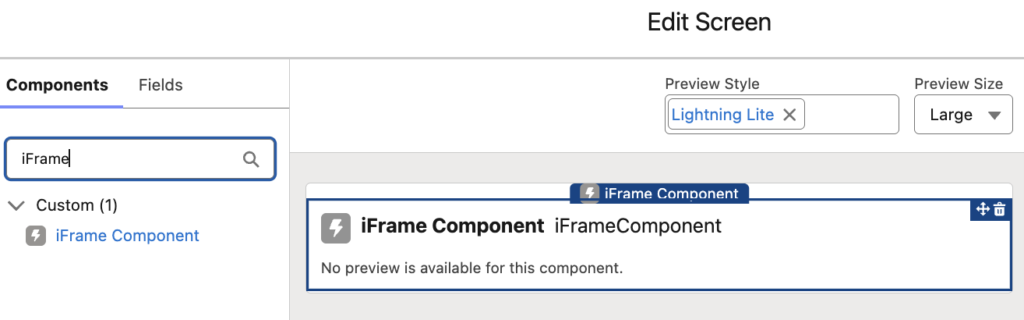
3- Configure the component according to your needs.
- Iframe URL: The URL to display inside the iframe.
- Height: The height of the iframe. The default value is 600px.
- Show Border: Controls whether the iframe border is displayed.
- Width: The width of the iframe. The default value is 100%. You can use either pixels or a percentage.
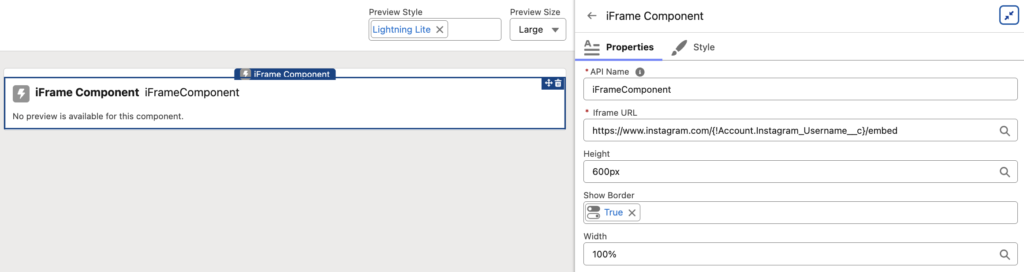
Before using the component, make sure to add the iframe URL domain to Trusted URLs in Salesforce. Lightning pages allow external frame content only when the domain is explicitly trusted, and the URL must use HTTPS. Also keep in mind that even after adding the domain, some websites still can't be displayed if they block iframe embedding through their own browser security headers.
Examples
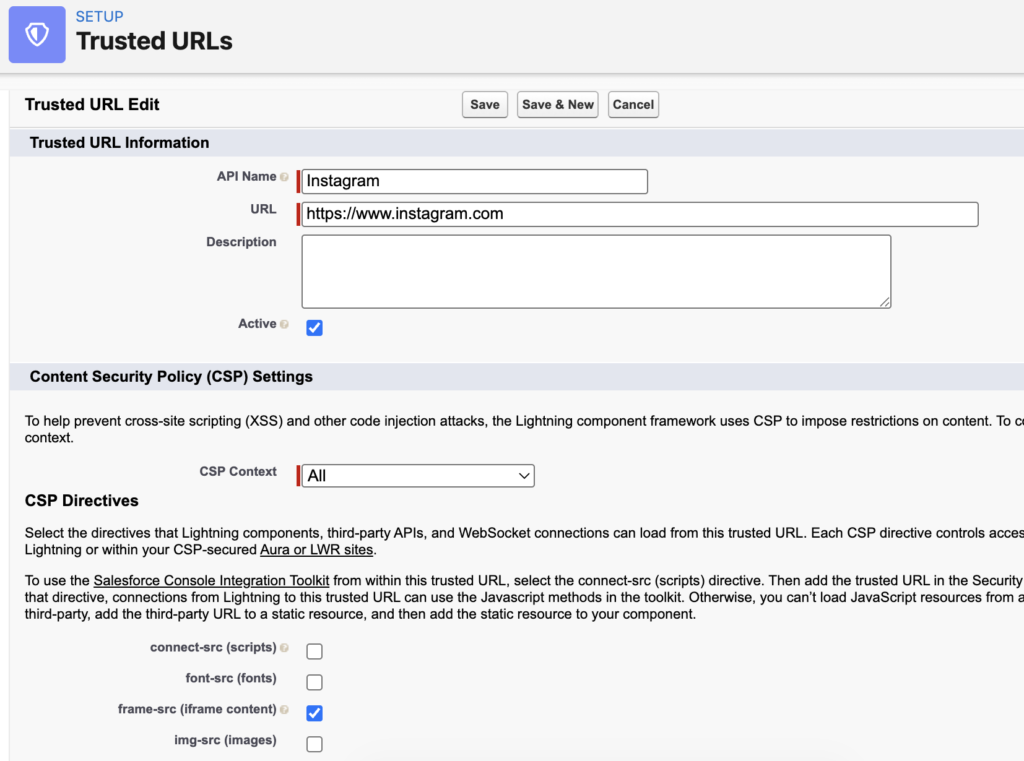
Here is a Screen Flow that displays the Instagram profile of the account. It is used as a component on the Lightning record page.
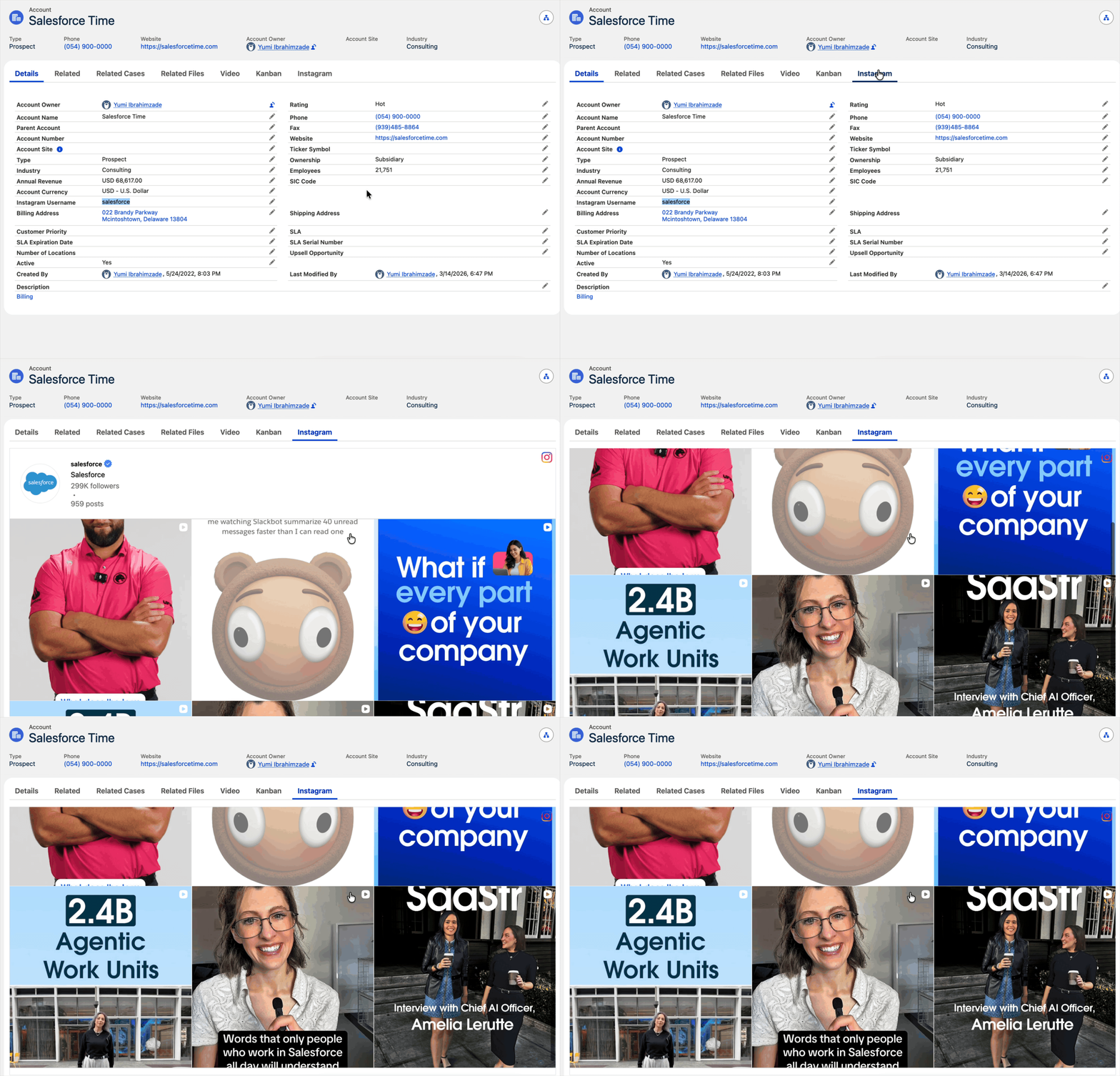
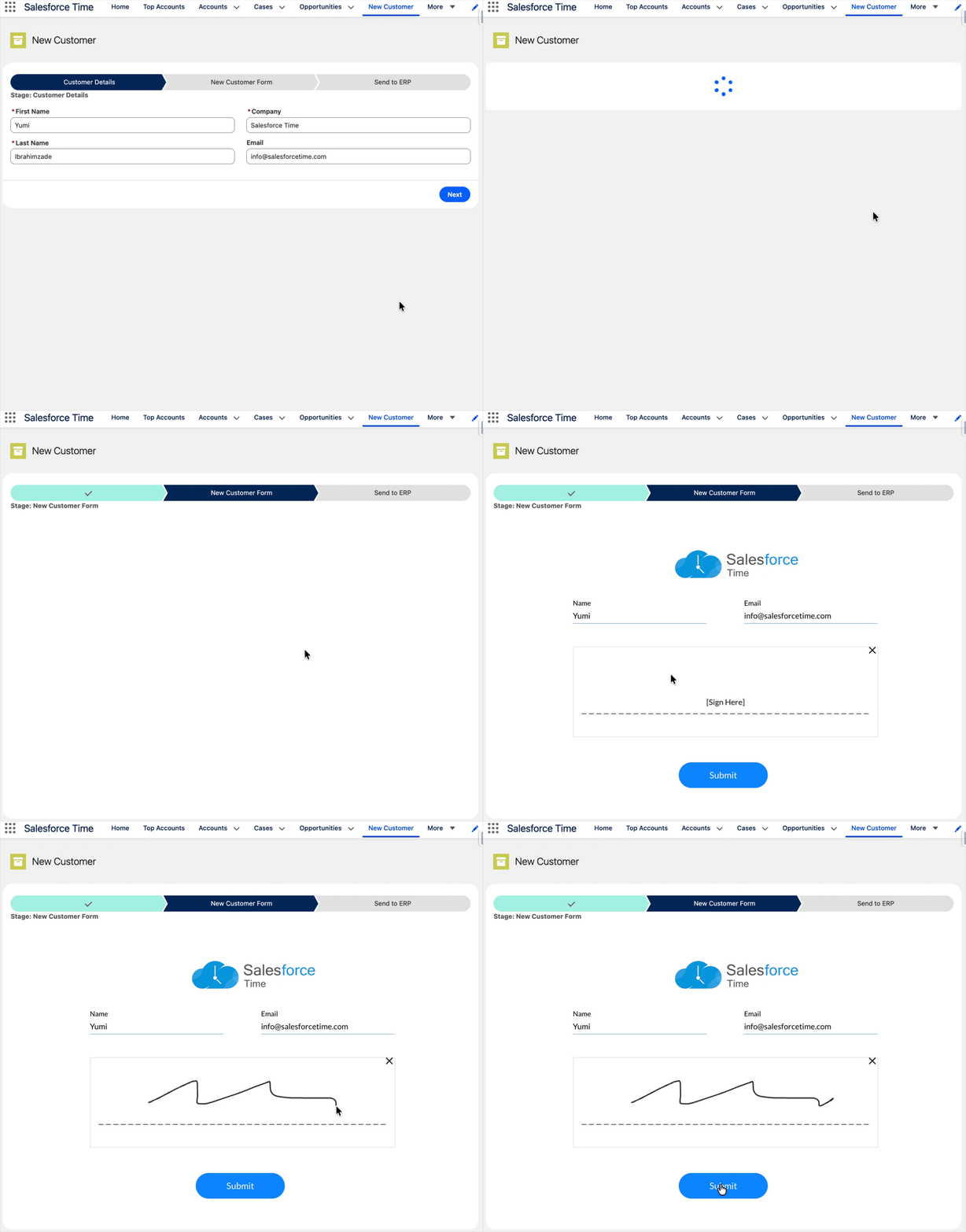
Here is a Screen Flow that creates a new Account record in Salesforce. As part of the process, it displays a Titan form within an iframe to collect the customer's signature and generate a document.
Installation Links
Use this link to install in production or developer edition environments.
Use this link to install in sandbox environments.
Thanks for sharing this, can we downlaod this app in a playground too?
If not, do you have any alternatives for trailhead playground?
Thanks again.
Sure, you can install it in a Trailhead playground environment.
I have tried this, I guess I must be doing something wrong.
It isn't showing the web page for me.
The domain is added to the Trusted URL
I even included it on the CORS, no joy
Any ideas what I must have done wrong?