

There are several ways to launch a Screen Flow such as quick actions, URL buttons, or even hyperlink formula fields. But when you launch a flow from a URL button or hyperlink, Salesforce doesn't open it in the Lightning runtime. That can lead to a slower, less reliable experience, and some local actions won't run as expected. In the Spring '26 release, Salesforce addressed this by introducing a new standardized URL format to launch Screen Flows properly in Lightning Experience and Lightning console apps.
New URL Format to Launch Screen Flows in Lightning Experience
Salesforce introduced a new standardized URL format for opening Screen Flows in Lightning Experience and Lightning console apps. It brings several benefits: better performance, a smoother experience inside console apps (without bouncing users out), and more consistent behavior in the browser.
It also supports the Salesforce Cosmos theme and Flow local actions.
Before the Spring '26 release, to launch a screen flow via URL, you had to use the following URL format:
/flow/flowName?VariableName=ValueFor example:
/flow/New_Case_Flow?AccountID={!Account.Id}The new standardized URL format includes a few small changes. Here is the updated URL format for launching a flow in Lightning Experience:
/lightning/flow/YourFlowNameHere?flow__VariableName=ValueYou can also run a specific version. Here is the URL format for that:
/lightning/flow/YourFlowNameHere/versionId?flow__VariableName=ValueHere is the new URL format to open the same screen flow in Lightning Experience:
/lightning/flow/New_Case_Flow?flow__AccountID={!Account.Id}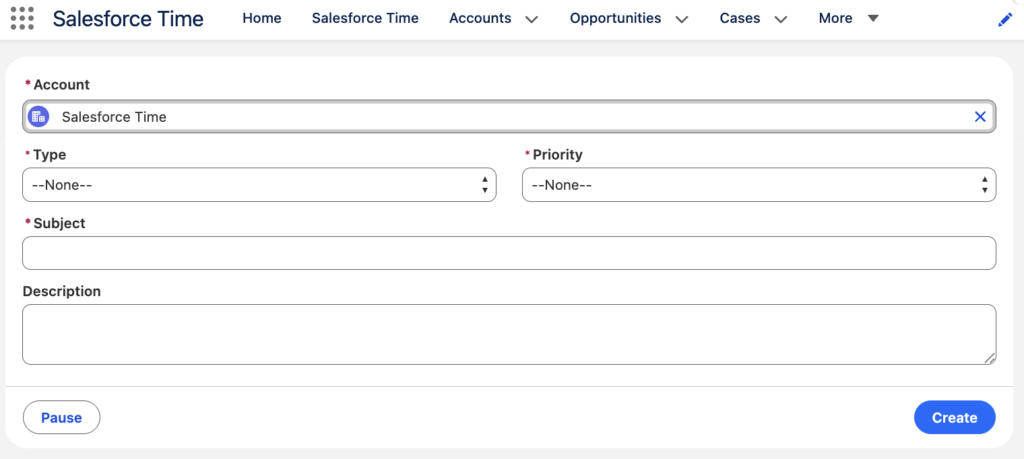
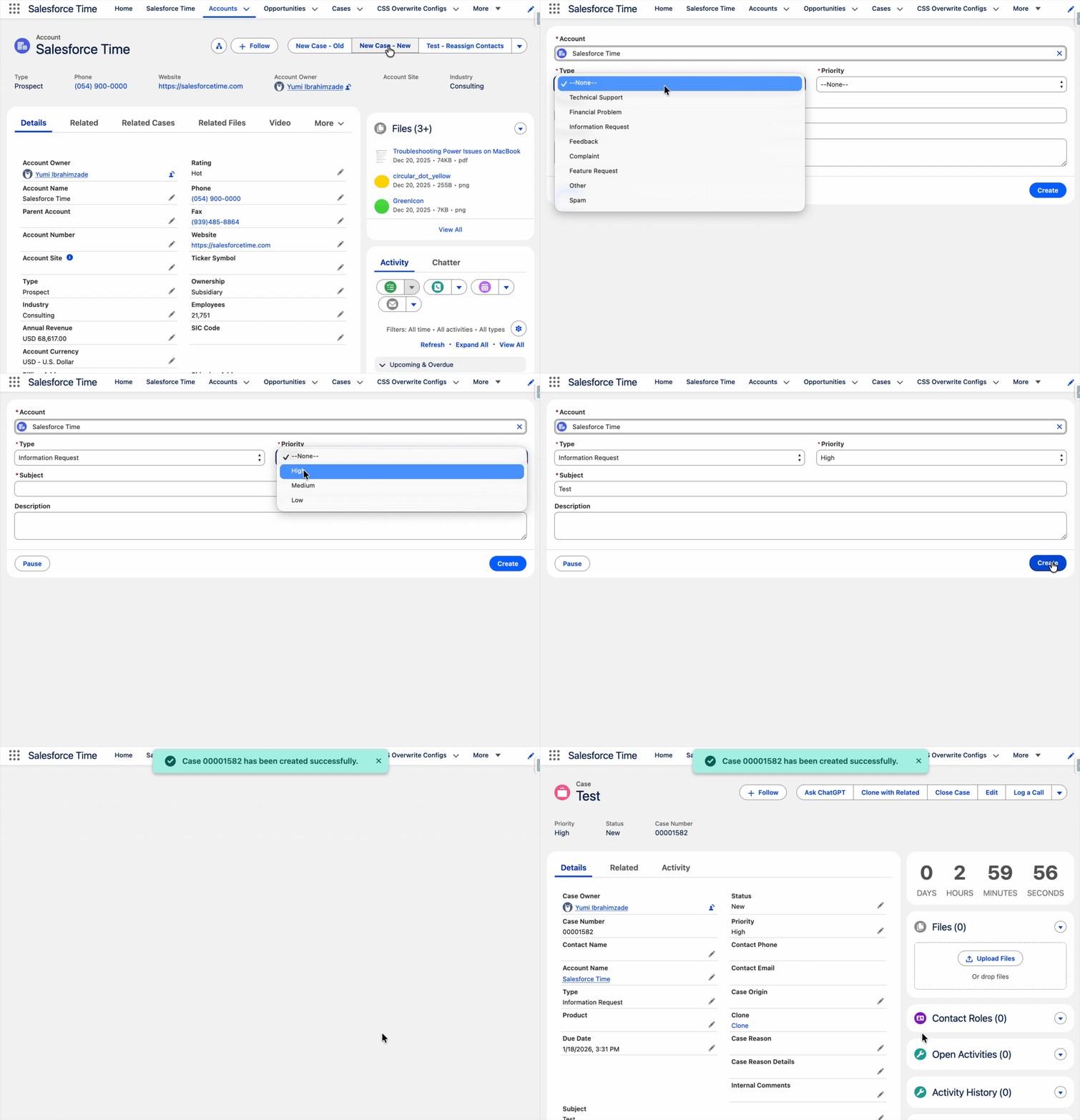
As you can see, the Account lookup field is populated via a URL parameter, and the flow UI matches the org's Cosmos theme. There's also a toast message, and the flow takes you to the new Case record. Both of these are local actions, which weren't supported in the old URL format.
Hello,
I have a button launching a Screen flow on a Case List View.
When in Service Console (Service App) and launching the flow using the ‘old style’ url, e.g. /flow/MyFlowName?retURL=500/o
- a New Tab where Screen flow run opens, flow runs, New Tab closes and User is returned back to the Original Tab (Case List view).
However when using the new /lightning/flow/MyFlowName?retURL=500/o
- User is returned to the Original Tab but the New Tab in which the Screen flow ran remains opened.
- When User navigates there, it shows YOUR FLOW FINISHED screen and user is immediately redirected back to the Case List view.
- Screen flow Tab can only be closed while being in another Tab.
I tried replacing retURL parameter and instead use NavigateEverywhere action (from UnofficialSF) directly in the flow but with the same result.
Any ideas how to get the Screen flow Tab close automatically after the flow finishes using the /lightning/ url?