One colleague. Your whole team.
Start a one-to-one conversation or create a named group for up to 50 people. Keep the discussion together and pick up where you left off.
Meet ChatTime. Message colleagues, bring teams together, and share files without leaving Salesforce.
Free for up to 10 users · 30-day production trial · No payment to start
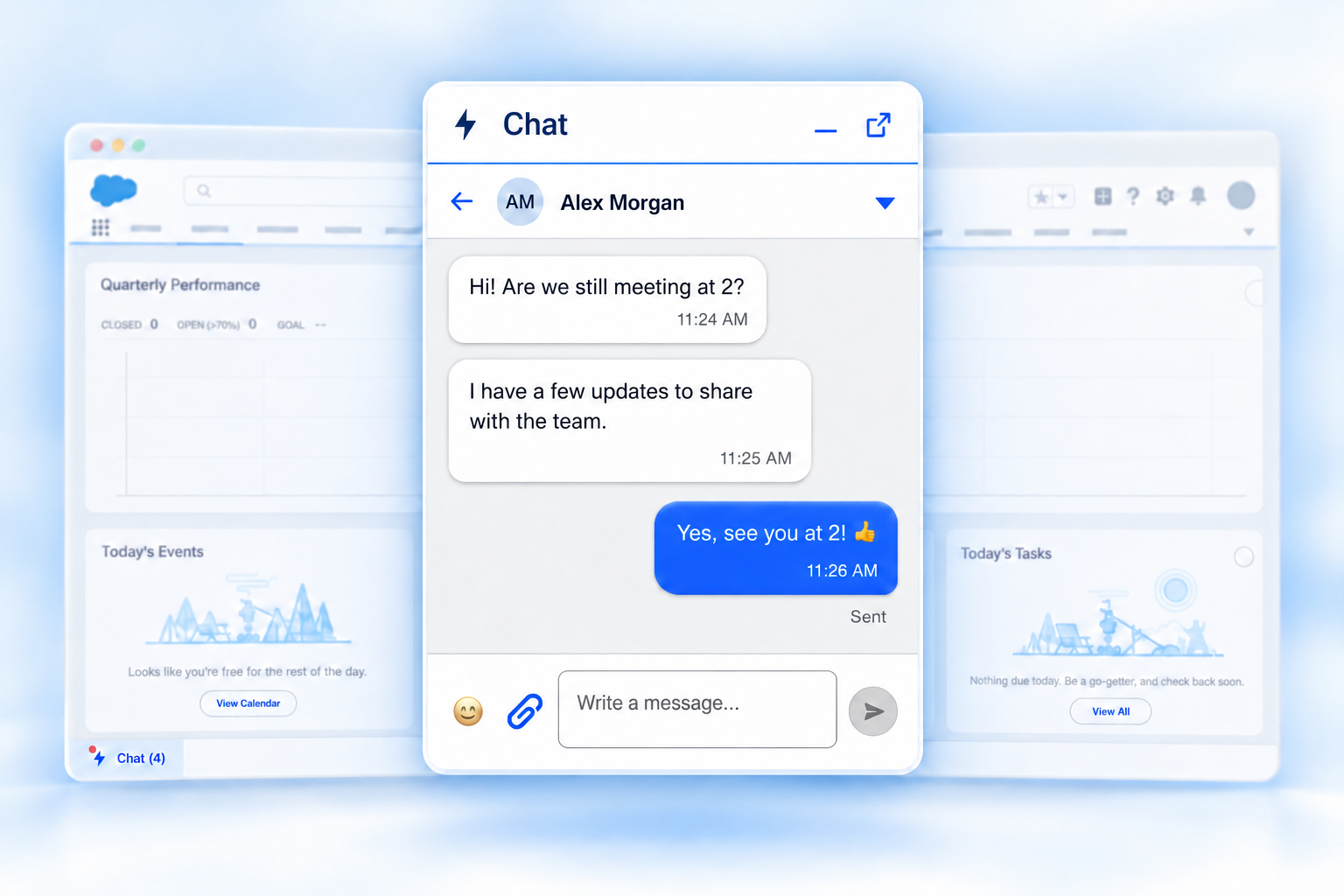
Keep your record open and your team close. ChatTime sits in the Salesforce utility bar, ready whenever you need a conversation.
Start a one-to-one conversation or create a named group for up to 50 people. Keep the discussion together and pick up where you left off.
Send documents, images, and screenshots, with up to five files per message. Share Salesforce record links that open right inside Salesforce.
Messages appear instantly. Read receipts let you see when they’ve been read, including who has seen a message in a group.
Add emojis and formatted text. Correct a typo or remove a message you sent, when editing and deletion are enabled by your admin.
Unread counts and sound alerts keep you in the loop, even with the panel minimized. Mute a busy conversation when you need to focus.
Use the same chats in the Salesforce mobile app. Receive push notifications and share photos straight from your camera or photo library.
Messages and shared files stay in your own Salesforce org. No outside messaging service. No separate chat login.
Conversation access follows Salesforce sharing rules. Members who leave a group lose access to its history and files.
Set a retention period for messages and files, or keep them indefinitely.
Set up in about 30 minutes. Manage attachments, editing, deletion, and interface translations without coding.
Every plan includes all ChatTime features. Choose the size that fits your team.
For teams of up to 10 users
Request your free license key within 30 days of installing: [email protected]
Billed annually at $24 per user. For teams above 10 users.
Above 10 users, pricing applies to every licensed user. Example: 25 users = $600 per year. To buy licenses, email [email protected].
30 days in production, with no payment required. After your trial, teams of up to 10 users continue free with a free license key. Request it before the 30 days end.
Explore ChatTime in your testing environments. No license key needed. Install in a sandbox ↗
No. ChatTime works in Salesforce on desktop and in the Salesforce mobile app. There’s no separate chat app or additional login.
Up to 10 users can use ChatTime free in production. Every production install starts with a 30-day trial; to keep using ChatTime after it, request your free license key from [email protected]. Sandbox and Developer Edition orgs are free and need no key. All ChatTime features are included.
Email [email protected] with your Salesforce org ID (Setup → Company Information) and the number of users. Free keys for up to 10 users are sent at no charge. For larger teams we send an invoice, then your key. Your admin pastes the key into the ChatTime License tab.
Try ChatTime with any number of users for 30 days in production, with no payment required. To continue with more than 10 users after the trial, purchase a license at $2 per user per month, billed annually. Without a license key, chat becomes read-only when the trial ends: you can still read your conversations, but not send new messages.
No. When your team exceeds 10 users, the paid rate applies to every licensed user. A team of 25 pays 25 × $24 = $600 per year.
Inside your own Salesforce org. ChatTime does not send conversations to an outside messaging service. Your admin controls retention. Files are not virus-scanned by Salesforce; admins can restrict allowed file types.
Yes. A new license key increases your licensed user count. You don’t need to reinstall ChatTime.
About 30 minutes for a Salesforce admin: install the package, grant users access, and add ChatTime to your Salesforce app. Settings can be managed without coding. The post installation guide walks through every step.
Install ChatTime and try it with your team today.
Free for up to 10 users · 30-day production trial · Free in Sandbox & Developer Edition